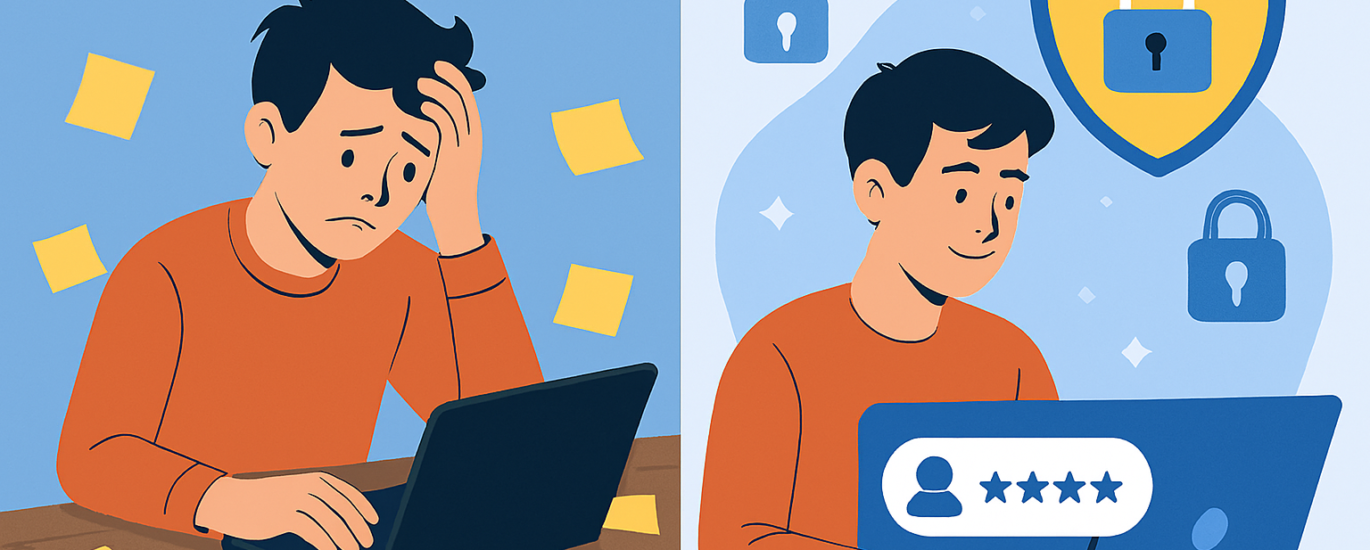
As a matter of fact, managing dozens (or even hundreds) of online accounts is a headache. Weak or reused passwords are one of the biggest security risks, and remembering strong, unique ones for every account is nearly impossible. That’s where password managers come in, but not all are created equal. Choosing the right one requires careful consideration.
Here we provide you a detailed guide to help you pick a password manager that truly protects you.
1. Prioritize Security Above All
When you are picking up a password manager, you should check for its security standards. A password manager is first and foremost a security tool. If it isn’t secure, nothing else matters.
- Encryption Standards: Look for AES‑256 encryption, the industry gold standard.
- Zero-Knowledge Architecture: The provider should not be able to access your vault. Your master password must never be stored on their servers.
- Multi-Factor Authentication (MFA): Ensure it supports MFA, ideally with hardware keys (like YubiKey) or biometrics.
- Independent Security Audits: Reliable managers undergo third-party audits to prove their claims.
👉 If a password manager doesn’t clearly explain its security model, that’s a red flag.
2. Check Cross-Platform Compatibility
You definitely want seamless access across all your devices.
- Operating Systems: Windows, macOS, Linux, iOS, Android.
- Browsers: Chrome, Edge, Firefox, Safari.
- Syncing: Cloud syncing should be secure and reliable, but some managers also offer offline/local-only options for privacy-conscious users.
3. Evaluate Ease of Use
A password manager should make your life easier, not harder.
- Auto-fill & Auto-capture: It should automatically save new logins and fill them in when needed.
- Password Generator: Built-in tools to create strong, unique passwords instantly.
- User Interface: Clean, intuitive, and beginner-friendly.
If it feels clunky and cluttered, you’ll be less likely to use it consistently which actually defeats the purpose.
4. Consider Extra Features
Beyond storing your passwords, they should offer added value:
- Data Breach Monitoring: Alerts you if your credentials appear in leaks.
- Secure Notes & File Storage: Store sensitive documents safely.
- Password Sharing: Share credentials securely with family or team members.
- Emergency Access: Allow trusted contacts to access your vault if needed.
5. Compare Pricing & Plans
Some password managers are free, but premium plans often unlock critical features.
| Password Manager | Strengths | Pricing Notes |
|---|---|---|
| NordPass | Strong security, cloud sync, breach monitoring | Paid, affordable annual plans |
| Keeper | Advanced security, business features | Higher cost, but enterprise-ready |
| RoboForm | Budget-friendly, solid core features | Less flashy, but reliable |
6. Watch Out for Risks
Not all password managers are trustworthy. Here’s what to avoid:
- Unclear Ownership: If the company hides who runs it, be cautious.
- No Audit History: Lack of independent verification is risky.
- Aggressive Marketing Without Transparency: If they talk more about discounts than security, walk away.
- Closed Ecosystem Without Export Options: You should always be able to export your data securely if you switch providers.
Final Thoughts
Choosing a password manager is like choosing a digital bodyguard. The right one will:
- Keep your credentials safe with strong encryption.
- Work seamlessly across devices.
- Offer useful extras like breach monitoring.
- Be transparent, audited, and trustworthy.
If you’re serious about protecting your digital life, don’t just grab the first free option you see. Take time to evaluate security, usability, and reputation.